Starter pack
$22USD once
1 render included · $22.00 per render
One extra look for a quick update.1 extra opening unlockedIncluded openings
Assembly
Product demo maker
Show what your product does in 15 seconds. Add one or two screenshots and a line of text to preview a video for your launch page, changelog, or product announcement.
“Turn a crowded inbox into a clear queue”
One-time pricing
Use your free Video Shotcraft trial on a Spotlight demo, or buy a pack to generate watermark-free versions in 1080p. Pay once per demo.
$22USD once
1 render included · $22.00 per render
One extra look for a quick update.1 extra opening unlockedAssembly
$64USD once
3 renders included · $21.33 per render
Compare three looks for a launch.3 extra openings unlockedAssembly · Aurora · Split reveal
$125USD once
6 renders included · $20.83 per render
Try six directions for a bigger release.6 extra openings unlockedAssembly · Aurora · Split reveal · Wipe reveal · Stack reveal · Iris reveal
$249USD once
12 renders included · $20.75 per render
Try every opening for this demo.12 extra openings unlockedAssembly · Aurora · Split reveal · Wipe reveal · Stack reveal · Iris reveal · Card flip · Bounce in · Focus pull · Orbit in · Shutter reveal · Color reveal
Checkout is currently unavailable.
Product video FAQReplace the headline, brand name, and product screenshot.
121 references
These shots are motion references. Editable openings are available in the demo maker.
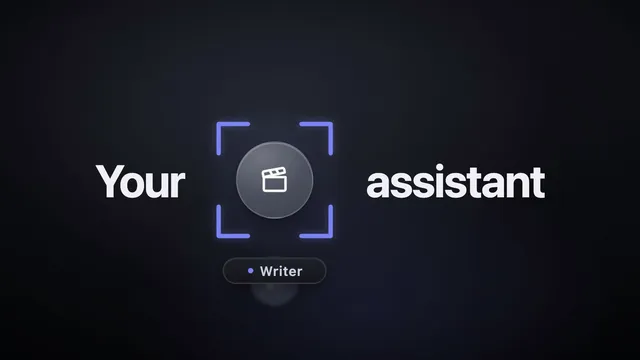
Show how one product slot can serve multiple roles, personas, or presets.
Use This Video Shotcraft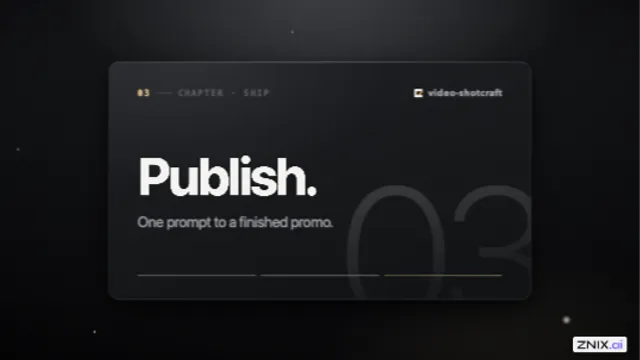
Present a roadmap, a concept, or a three-step process from a different viewpoint at each stop.
Use This Video Shotcraft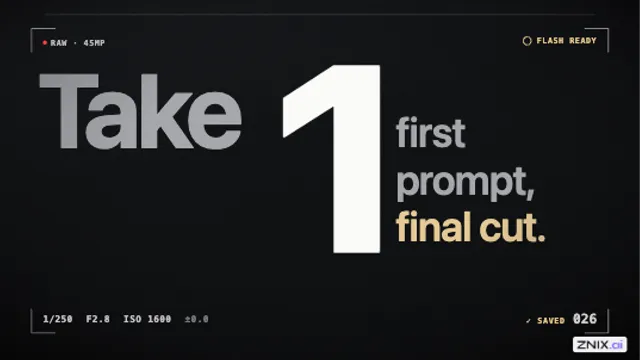
Give a key reveal the rhythm of a camera burst or an awards montage.
Use This Video Shotcraft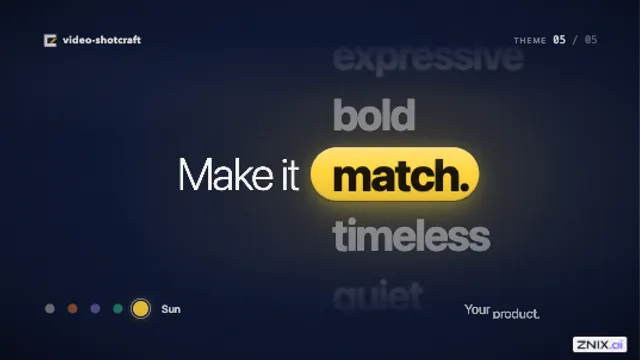
Show several themes or personalities for the same product in a music-driven sequence.
Use This Video Shotcraft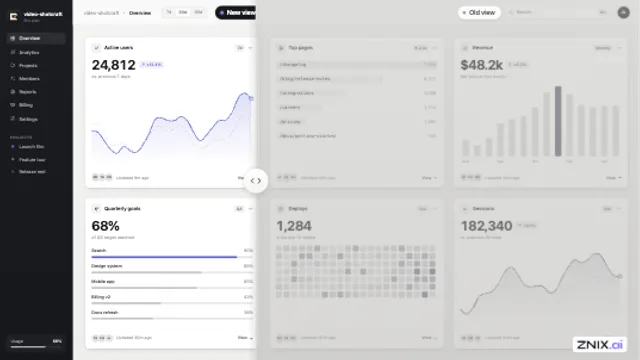
Show the before-and-after result of an enhancement, redesign, or cleanup in a single shot.
Use This Video Shotcraft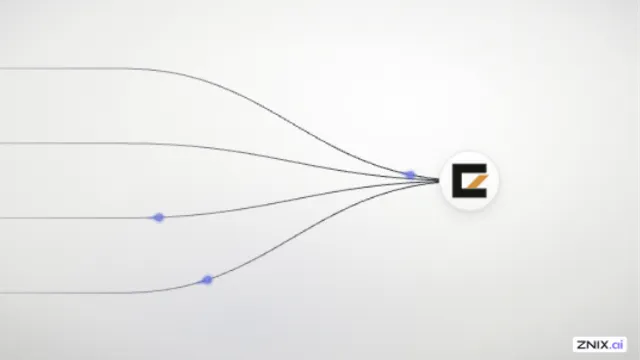
Explain how multiple integrations or data sources come together in one place.
Use This Video Shotcraft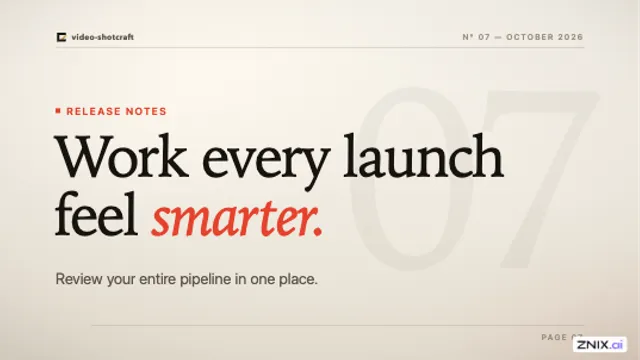
Introduce a headline and subtitle without distracting from the rest of the scene.
Use This Video Shotcraft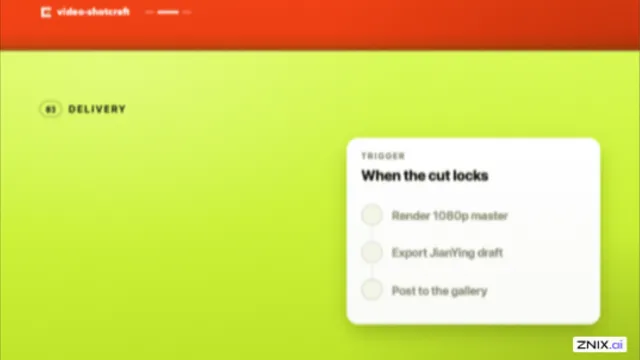
Separate product highlights into chapters, each with its own color.
Use This Video Shotcraft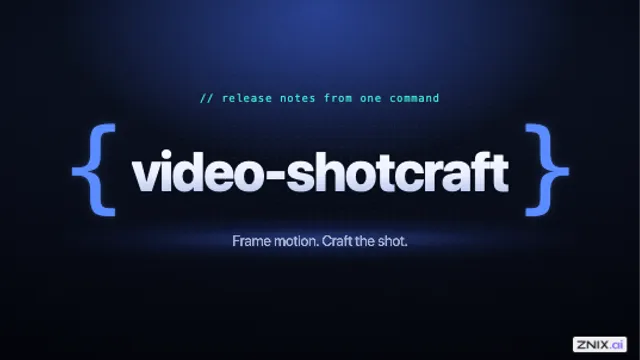
Introduce a developer product or chapter with a single punctuation motif.
Use This Video Shotcraft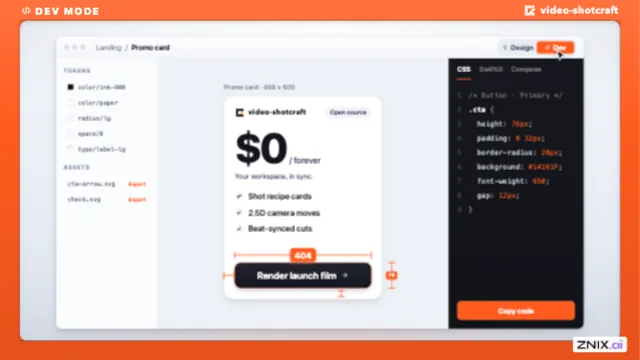
Give screen recordings a branded frame and color-code the modes or chapters.
Use This Video Shotcraft
Introduce a brand name before showing the product.
Use This Video Shotcraft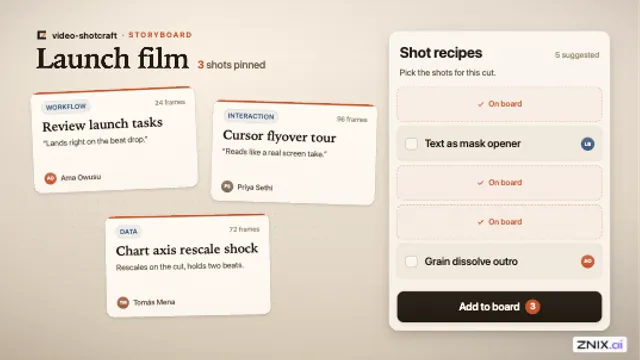
Show content taking a new form or a prompt turning into a structured result.
Use This Video Shotcraft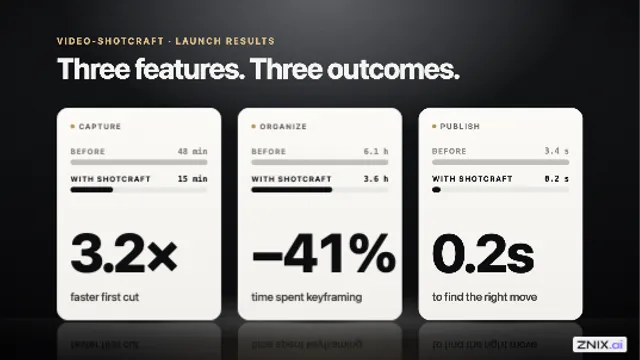
Pair each feature with its result, metric, or takeaway.
Use This Video Shotcraft
Bring several product pages together in a high-energy transition to a tagline.
Use This Video Shotcraft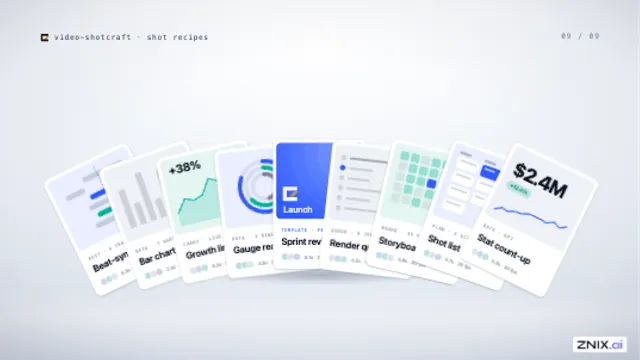
Introduce a template collection, a card library, or a lineup of options.
Use This Video Shotcraft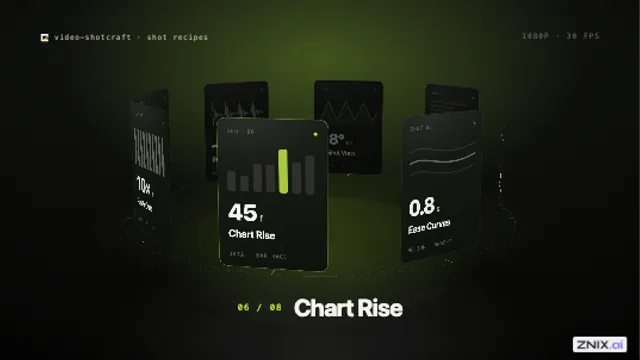
Showcase a portfolio, template library, or integration collection in a looping hero.
Use This Video Shotcraft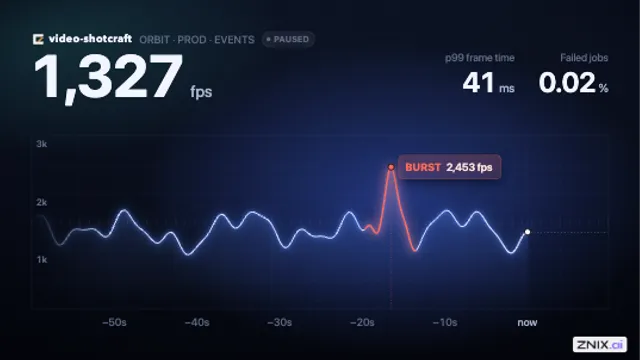
Make a point about live data, the people behind a number, or growth that exceeds the chart.
Use This Video Shotcraft
Demonstrate what happens when someone picks a plan, tier, or option.
Use This Video Shotcraft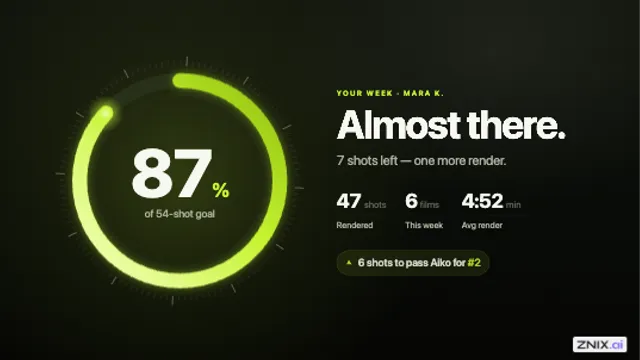
Connect an avatar, icon, or round button to a chart or progress ring.
Use This Video Shotcraft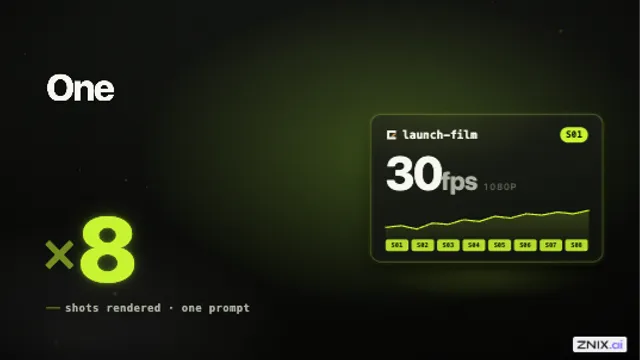
Visualize duplication, multiple tenants, or batch processing.
Use This Video Shotcraft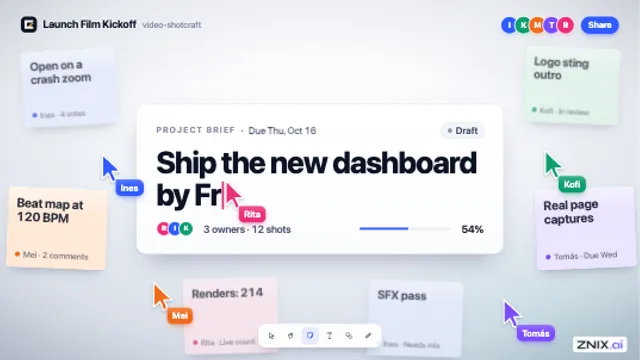
Make a shared canvas feel like a team is actively working in it.
Use This Video Shotcraft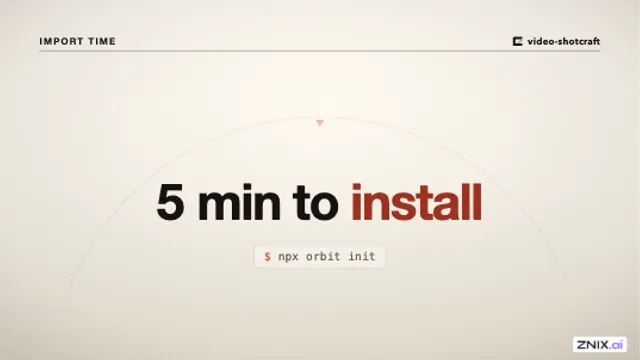
Reveal a countdown, a metric, or a time promise such as a five-minute setup.
Use This Video Shotcraft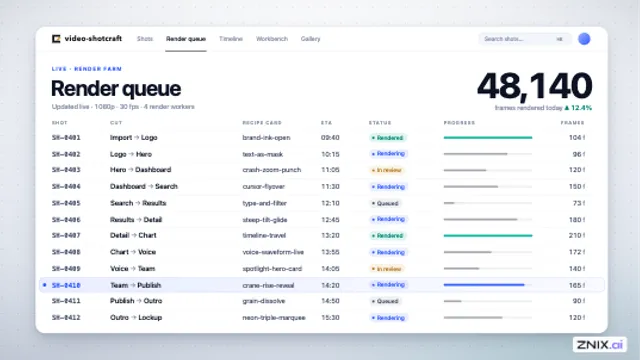
Open a scene by moving from one telling detail to the bigger picture.
Use This Video Shotcraft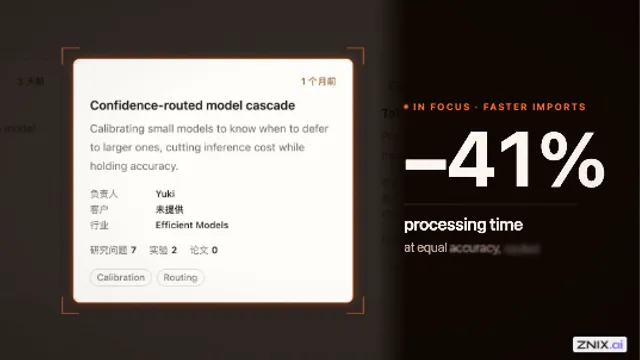
Direct attention to a specific card, control, or module in a feature demo.
Use This Video Shotcraft
Tour the key features of a single product page in one shot.
Use This Video Shotcraft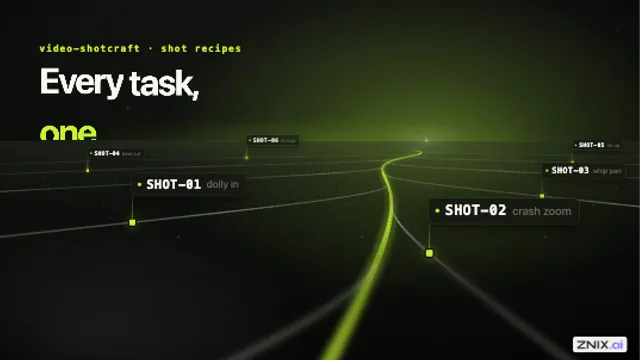
Open a brand video with an abstract data landscape before the product reveal.
Use This Video Shotcraft
Establish the size and momentum of a growing feed, card wall, or collection.
Use This Video Shotcraft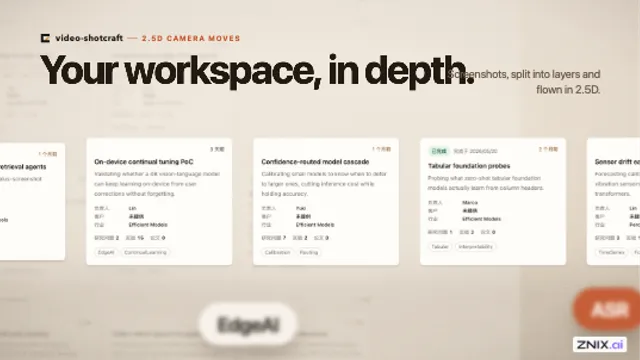
Give a flat screenshot depth as the camera moves across cards, lists, or a full page.
Use This Video Shotcraft
Present findings, recommendations, or review notes alongside the source document.
Use This Video Shotcraft
Reveal a generated document, report, or note in a product demo.
Use This Video Shotcraft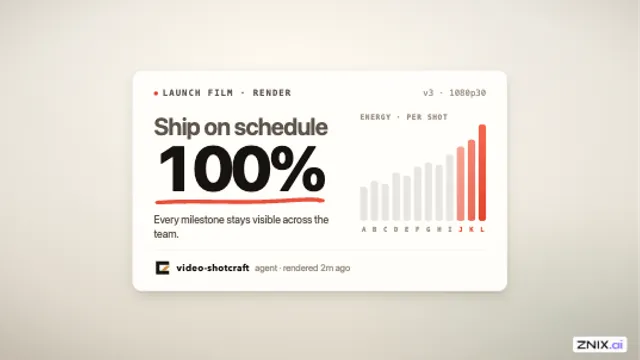
Call attention to a specific card, chart, or title as it enters.
Use This Video Shotcraft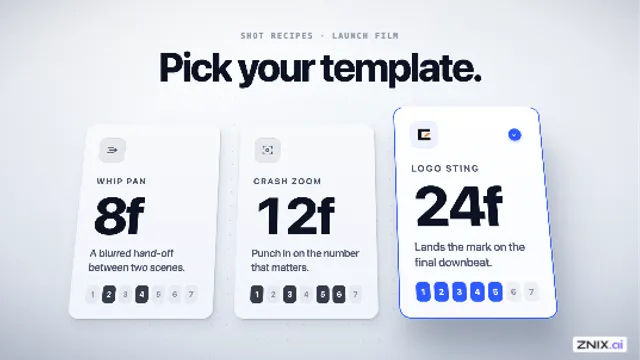
Give a lifted card a sense of weight and distance from the surface.
Use This Video Shotcraft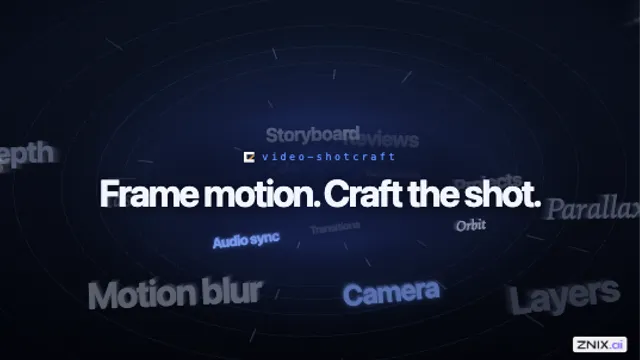
Use a moving keyword cloud behind an intro, outro, or transition.
Use This Video Shotcraft
Reveal a brand or poster. Reverse the move or use the breakup as a transition.
Use This Video Shotcraft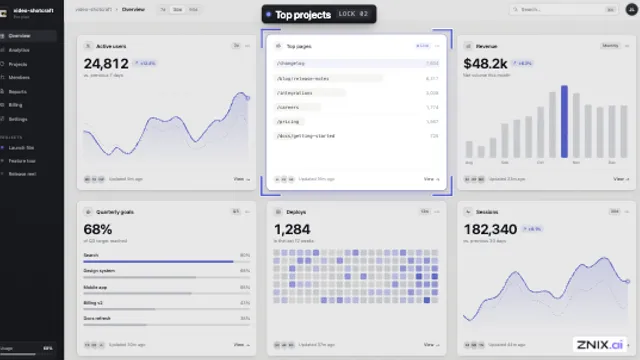
Direct attention to an element without freezing the shot.
Use This Video Shotcraft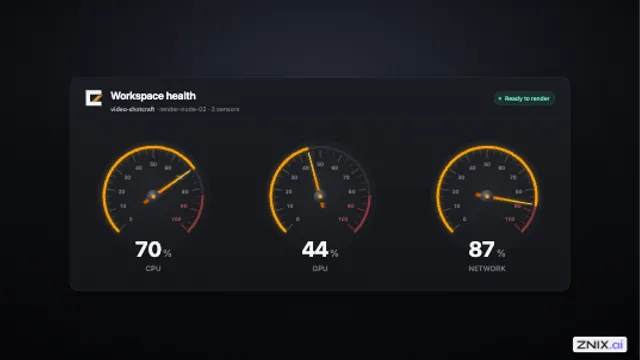
Power up a dashboard or reveal a major change in a performance metric.
Use This Video Shotcraft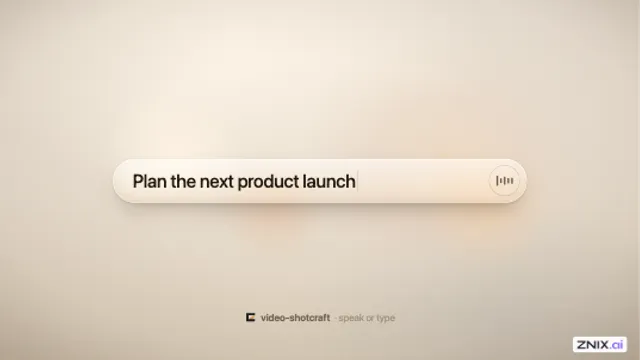
Introduce voice input or show when an assistant is ready to take dictation.
Use This Video Shotcraft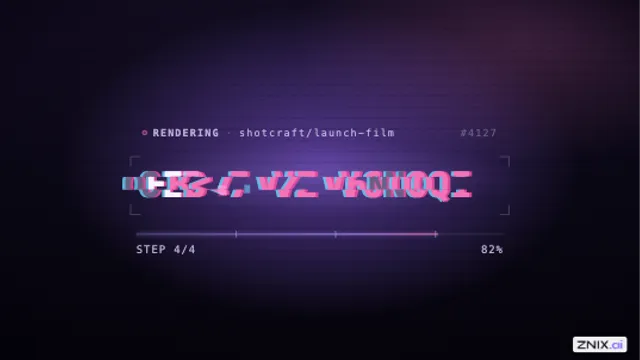
Show build, deployment, or loading progress in a technical intro.
Use This Video Shotcraft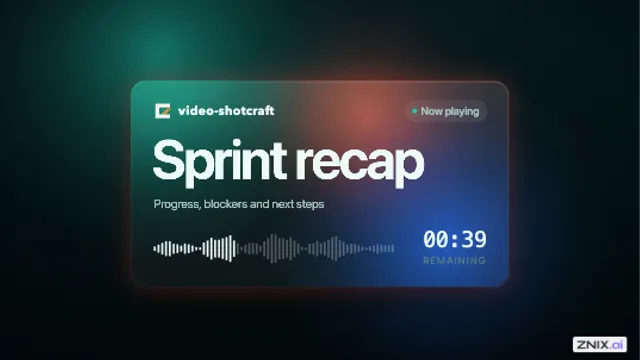
Set the mood for a dark scene or show where data is flowing between cards.
Use This Video Shotcraft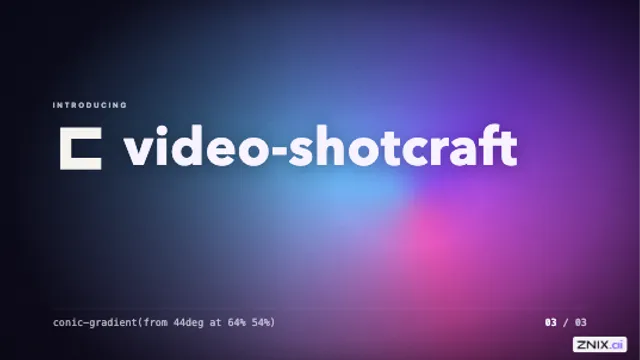
Add subtle motion behind a static layout or shift the mood between chapters.
Use This Video Shotcraft
Give a key verb or product claim a punch in a dark title card.
Use This Video Shotcraft
Close a launch announcement by turning a longer message into a short brand sign-off.
Use This Video Shotcraft
Tour a product interface as a landscape, bringing each section into view in turn.
Use This Video Shotcraft
Show how a typed tag, category, or keyword becomes a usable part of the interface.
Use This Video Shotcraft
Show the breadth of features or integrations before revealing the brand.
Use This Video Shotcraft
Introduce a new feature with an icon close-up.
Use This Video Shotcraft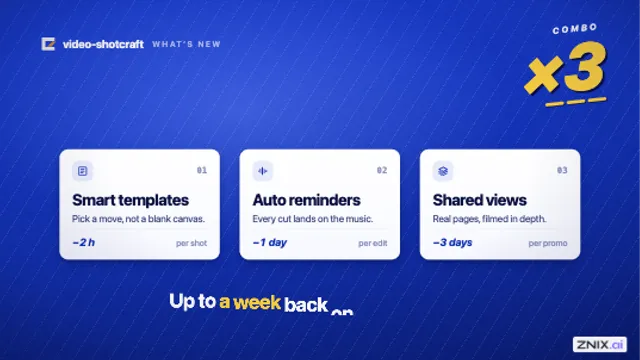
Give a card landing or camera stop extra impact.
Use This Video Shotcraft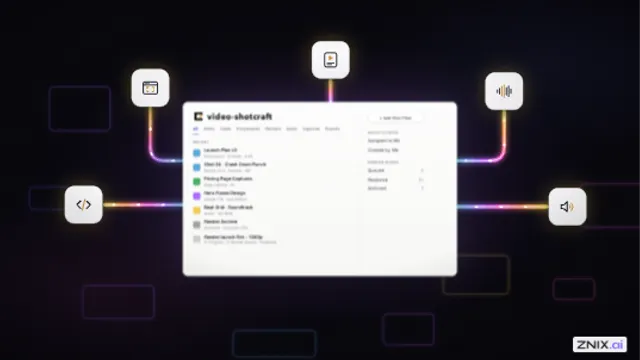
Show a new product hub or how several apps connect to one platform.
Use This Video Shotcraft
Introduce a product name or launch message that needs one word to command the screen first.
Use This Video Shotcraft
Reveal a brand mark or chapter title with a quiet, hand-drawn feel.
Use This Video Shotcraft
Reveal a title in a dark scene or give a hero card a moment of emphasis.
Use This Video Shotcraft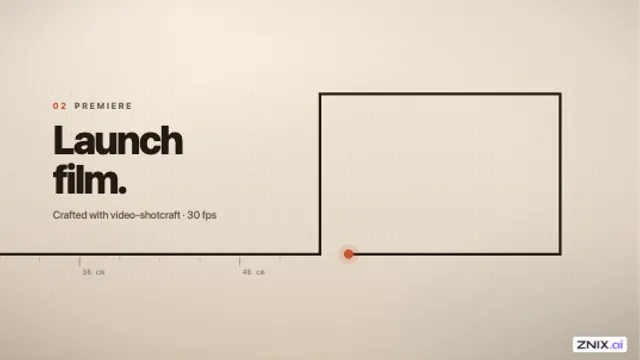
Link scenes that share a graphic motif, such as a progress bar and a card outline.
Use This Video Shotcraft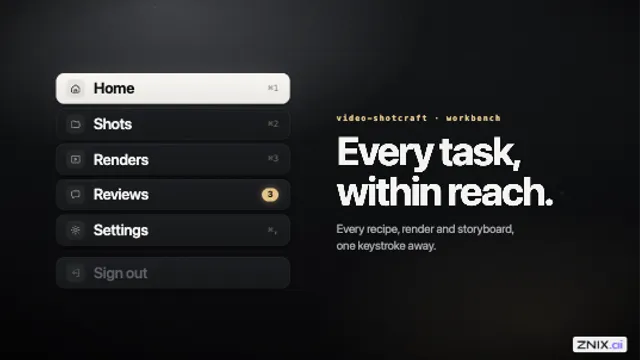
Introduce a sidebar, settings panel, or navigation menu under narration.
Use This Video Shotcraft
Show a feed, inbox, or collection filling with new items.
Use This Video Shotcraft
End a product video with a clean brand lockup after a high-energy scene.
Use This Video Shotcraft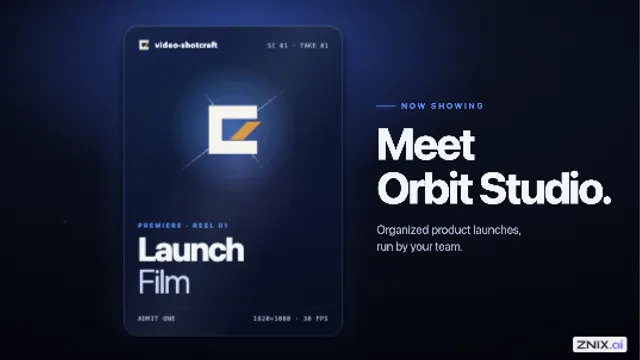
Give a hero card, poster, or product cover a dramatic reveal.
Use This Video Shotcraft
Emphasize one word in a headline with a hand-drawn accent.
Use This Video Shotcraft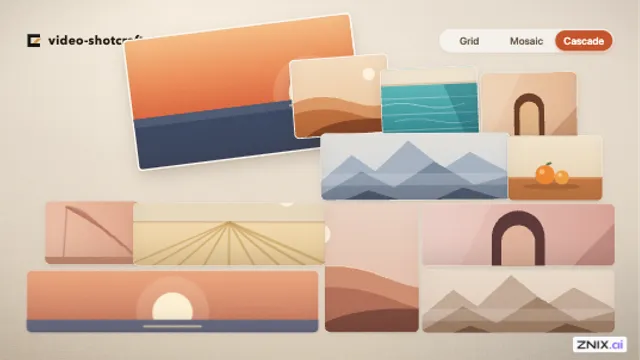
Show several ways to organize the same portfolio, gallery, or template collection.
Use This Video Shotcraft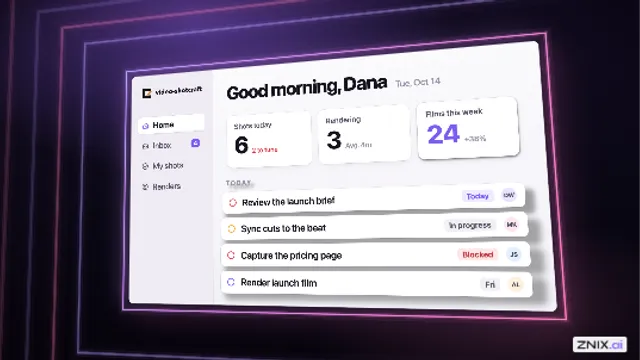
Give an interface its first entrance in a dark, neon product video.
Use This Video Shotcraft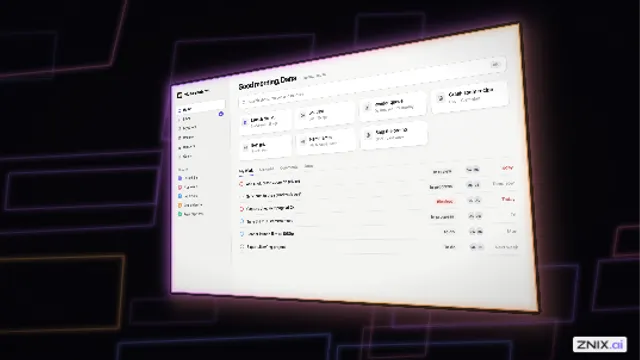
Reveal an entire interface in one dramatic shot.
Use This Video Shotcraft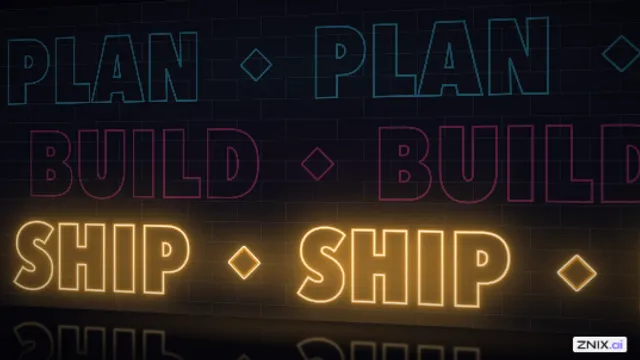
Reprise a three-word slogan at the end of a music-driven brand video.
Use This Video Shotcraft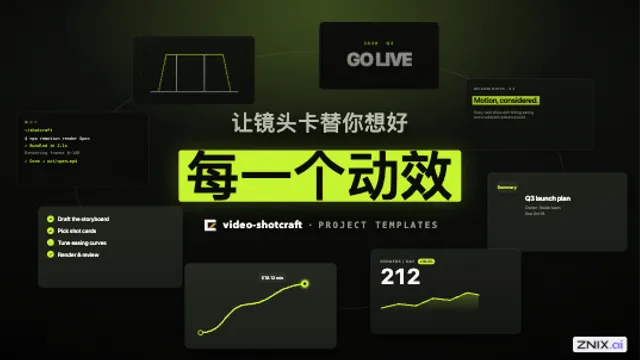
Open a video for a template library, feature collection, or portfolio using moving product footage.
Use This Video Shotcraft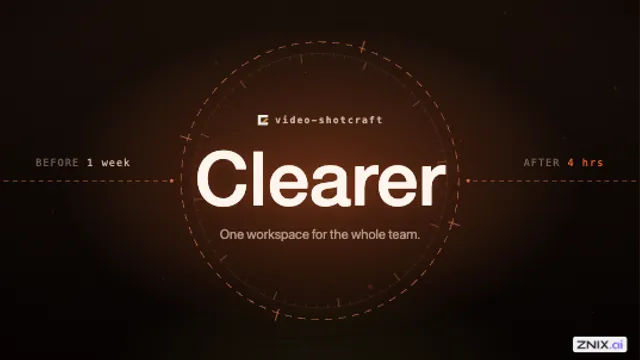
Give a single benefit or tagline a sharp visual beat.
Use This Video Shotcraft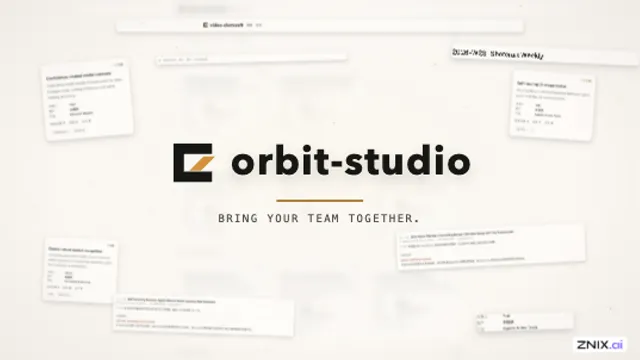
Close a multi-feature product video with a group portrait around the brand.
Use This Video Shotcraft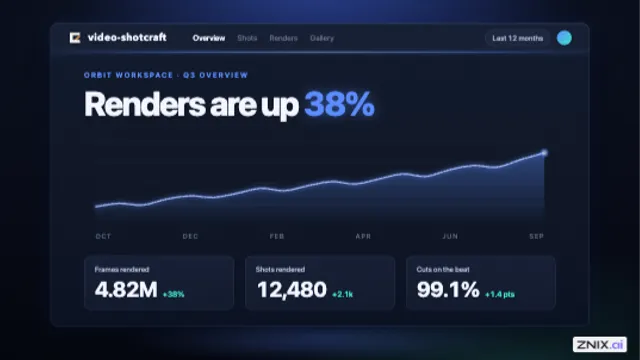
Establish a single page or pick out one item in a group from above.
Use This Video Shotcraft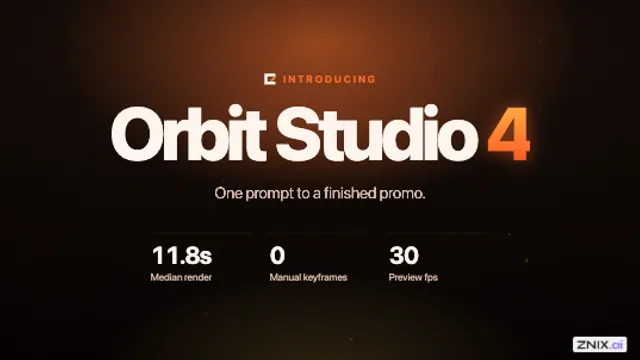
Mark a chapter change by making the pages move like physical panels.
Use This Video Shotcraft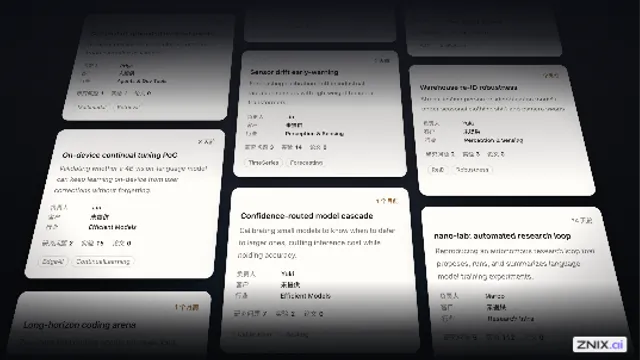
Show the breadth of a template library, feature set, or multi-page product.
Use This Video Shotcraft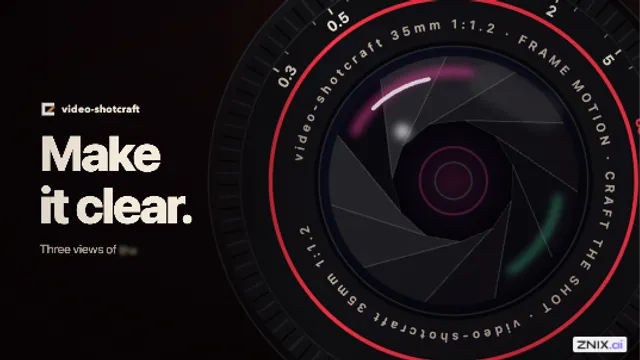
Use split panels to give multiple angles of the same subject a percussive rhythm.
Use This Video Shotcraft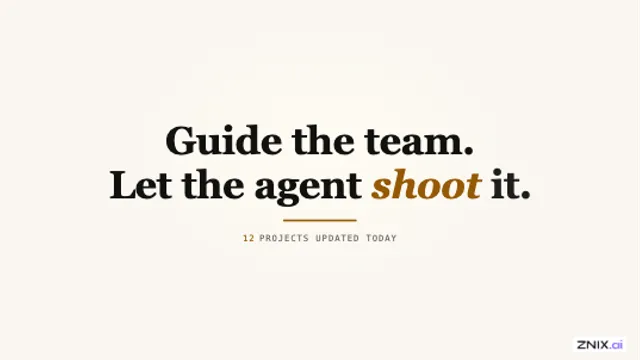
Introduce a chapter, value proposition, or key feature with a quiet title card.
Use This Video Shotcraft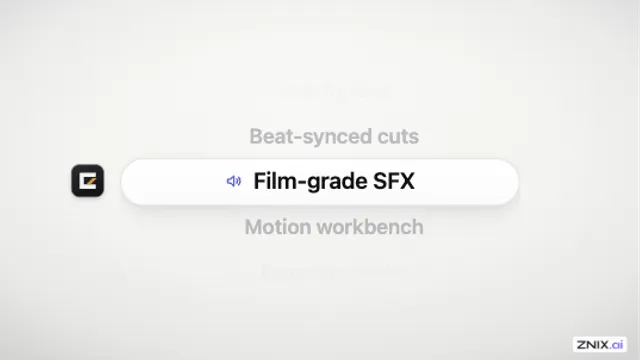
Show a mobile picker or take viewers through a set of feature names one at a time.
Use This Video Shotcraft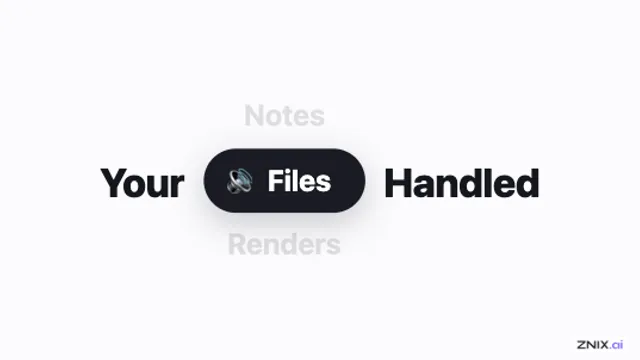
Fit several jobs a product handles into a single line of launch copy.
Use This Video Shotcraft
Present several capabilities within one sentence or product claim.
Use This Video Shotcraft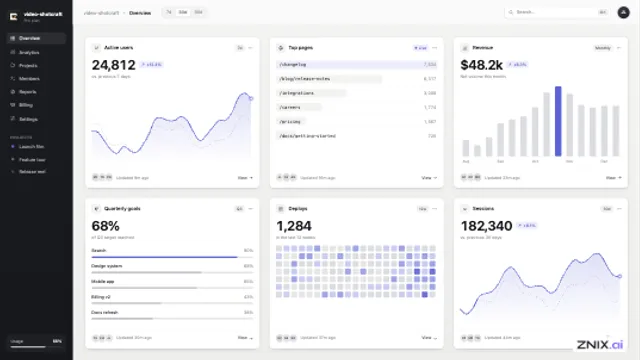
Switch scenes using a transition with a printed-paper feel.
Use This Video Shotcraft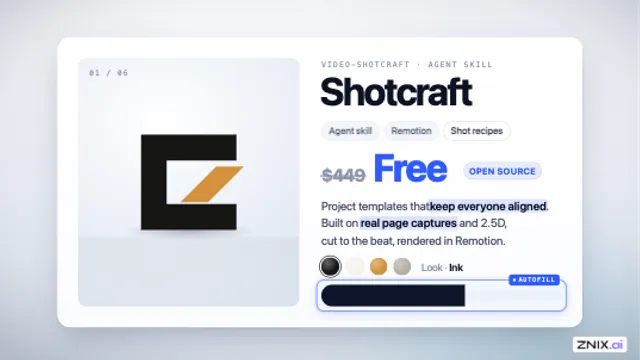
Show structured extraction or autofill by building a product detail card on screen.
Use This Video Shotcraft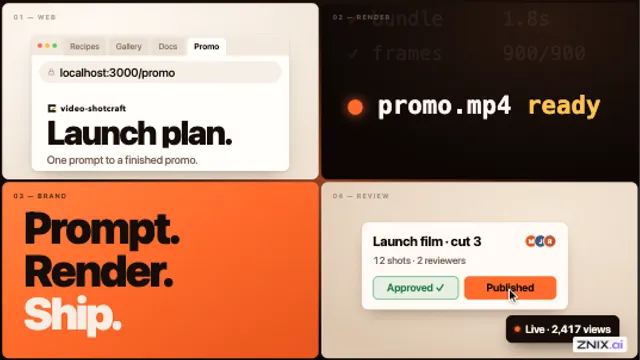
Build a dense mid-trailer montage that shows several features at once.
Use This Video Shotcraft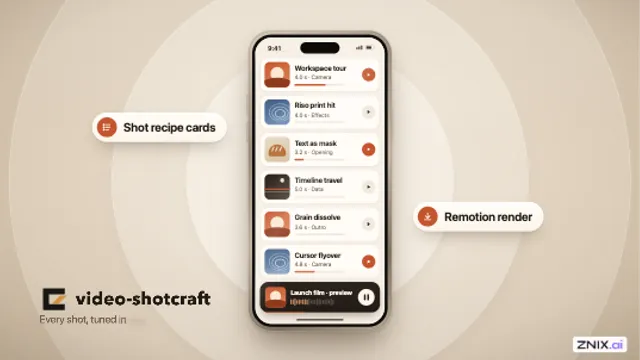
Introduce a mobile product and call out its key features around the phone.
Use This Video Shotcraft
Show a system powering on, a network waking up, or coverage spreading across a map.
Use This Video Shotcraft
Show the volume of documents reviewed by a research, search, or batch-processing tool.
Use This Video Shotcraft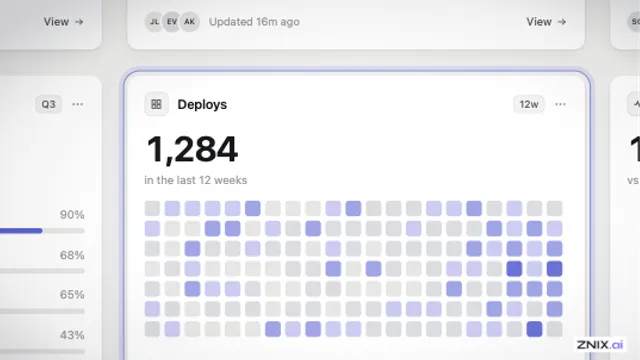
Use abrupt changes in scale to build a rhythmic push toward a target.
Use This Video Shotcraft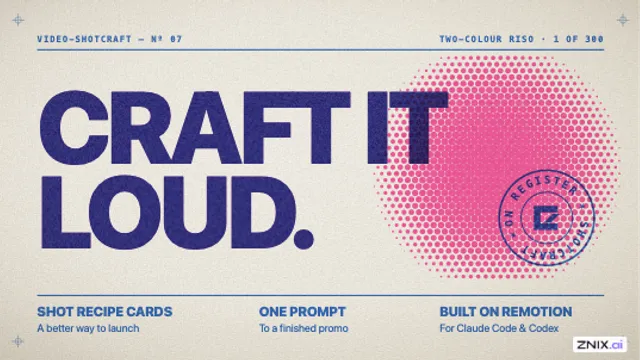
Add a brief print-style glitch when a title or card hits its mark.
Use This Video Shotcraft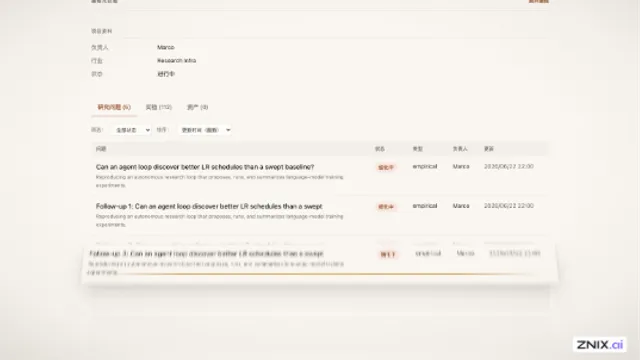
Show structured data appearing inside a page, list, or detail view.
Use This Video Shotcraft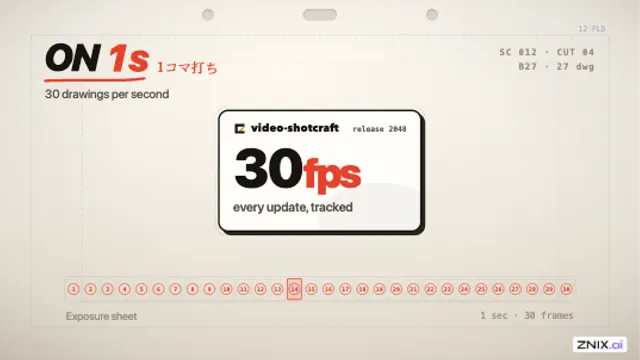
Give a card entrance or metric reveal a shift from hand-made movement to a smooth sprint.
Use This Video Shotcraft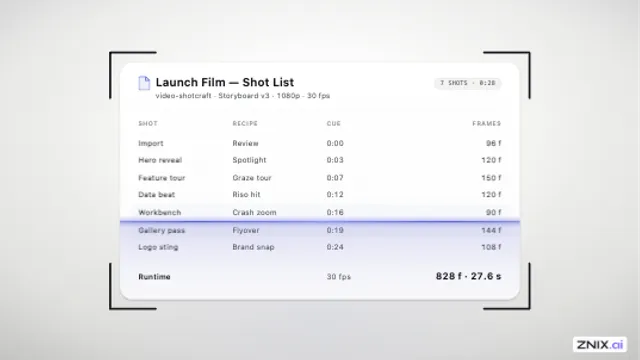
Show the analysis or verification step after someone uploads a document.
Use This Video Shotcraft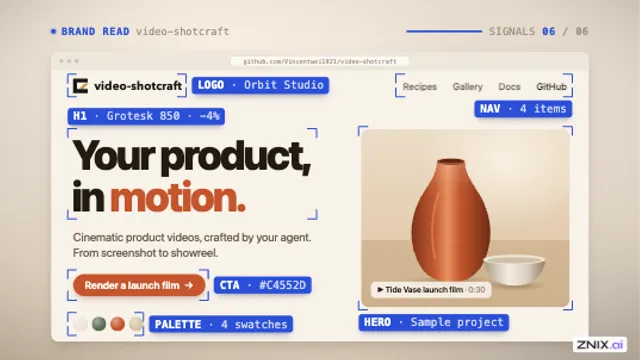
Show a tool reading the structure of a page, brand, or design system.
Use This Video Shotcraft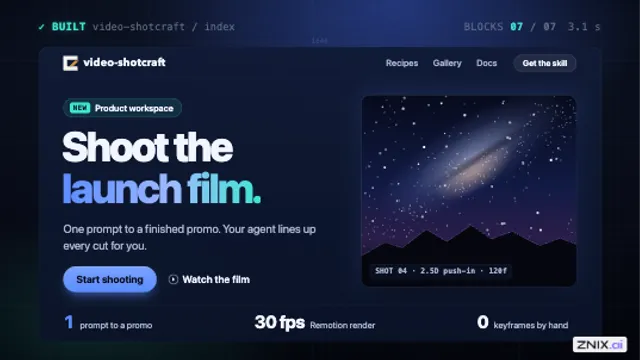
Show a site builder or layout tool generating a page from scratch.
Use This Video Shotcraft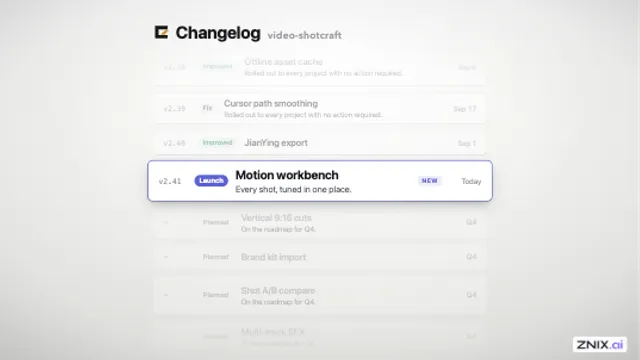
Move through a long changelog or release list and stop on the item that matters.
Use This Video Shotcraft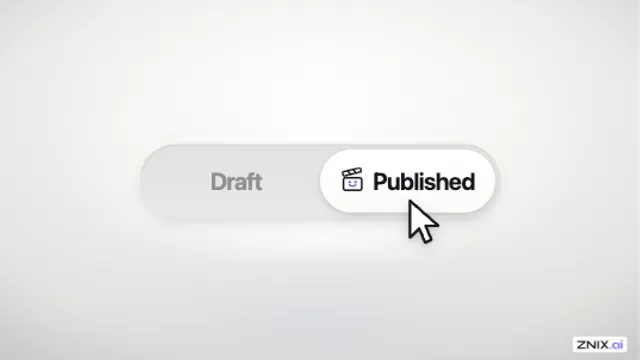
Show a mode switch or two-way setting as the main event in a close-up.
Use This Video Shotcraft
Choose a transition that matches the energy and visual relationship of two adjacent shots.
Use This Video Shotcraft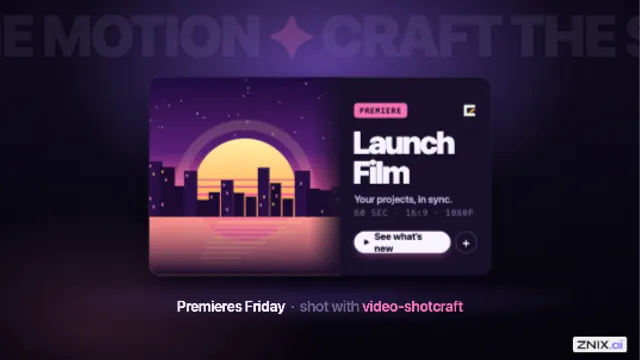
Give a featured card or key performance figure a forceful entrance.
Use This Video Shotcraft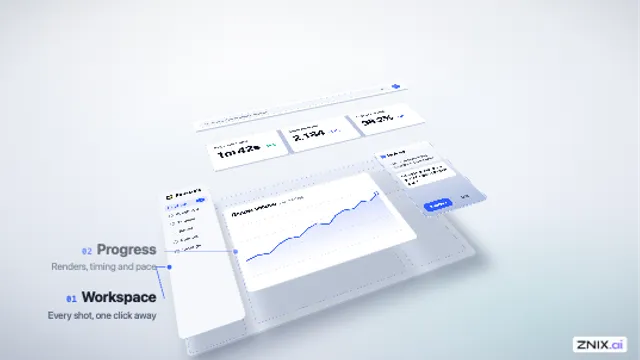
Treat a flat interface as a 3D object for a dramatic feature reveal.
Use This Video Shotcraft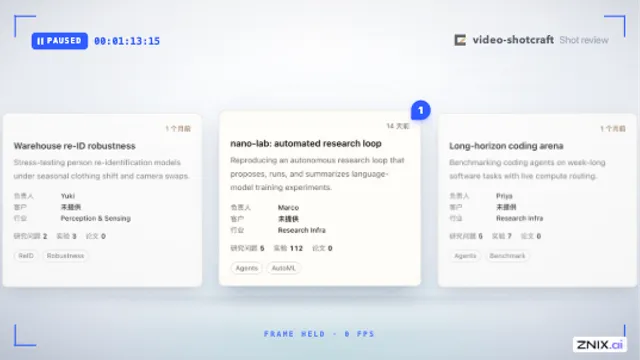
Pause a moving card or camera tour to explain a detail in a tutorial or review.
Use This Video Shotcraft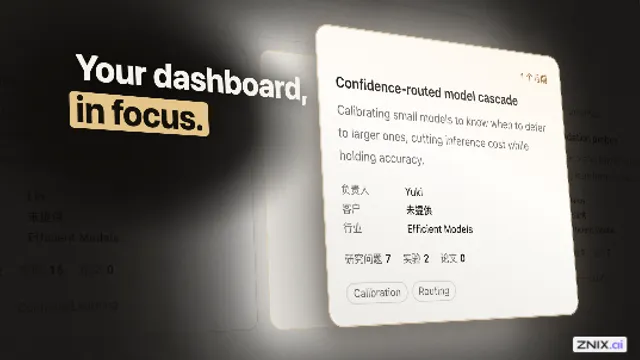
Make one item, module, or feature the main subject of a product intro.
Use This Video Shotcraft
Introduce interface panels in a dark brand video using light to guide attention.
Use This Video Shotcraft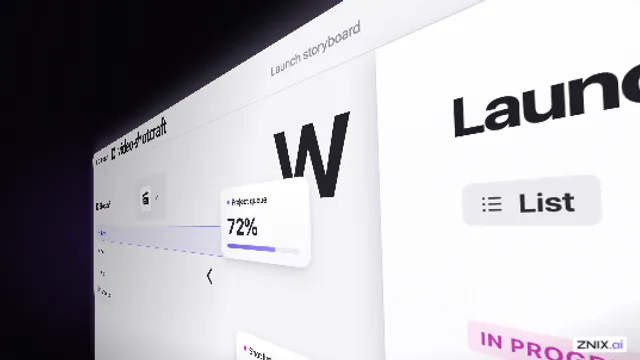
Tour a long interface with a grazing side view and strong perspective.
Use This Video Shotcraft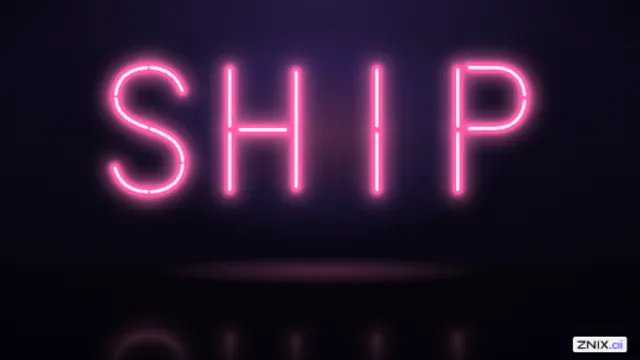
Build suspense before revealing a product name or a key number.
Use This Video Shotcraft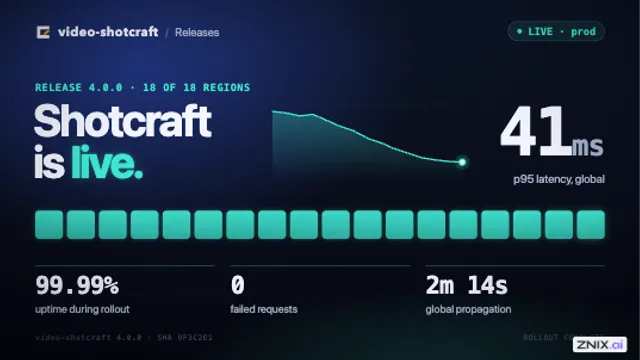
Give a scene change the look of a brief digital fault.
Use This Video Shotcraft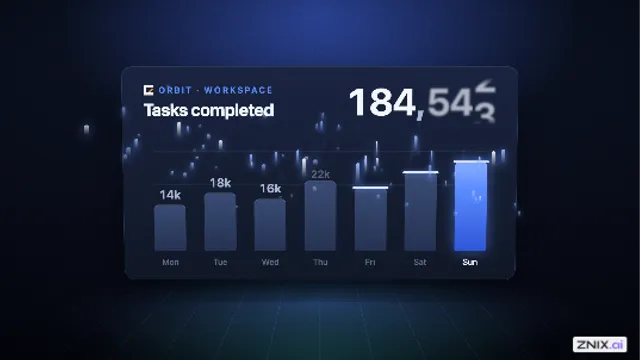
Add tension, surprise, or a sense of distance to an emotional beat.
Use This Video Shotcraft
Turn a three-command developer workflow into a short guided journey.
Use This Video Shotcraft
Combine a brand name or tagline with product footage in an opening or chapter card.
Use This Video Shotcraft
Turn a list of features into a closing product name, release title, or tagline.
Use This Video Shotcraft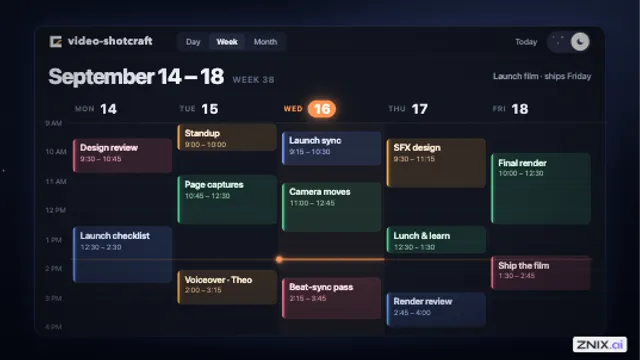
Show a theme or dark-mode switch on the same interface.
Use This Video Shotcraft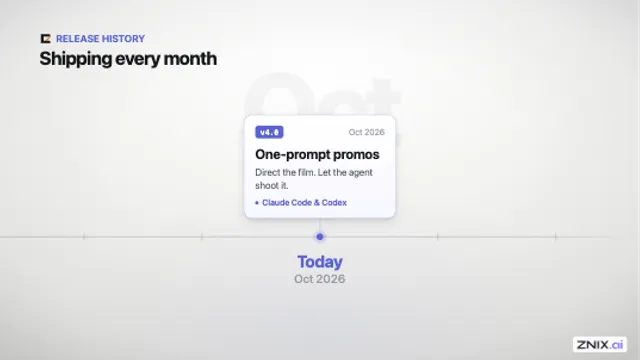
Show a release history, series of milestones, or product evolution.
Use This Video Shotcraft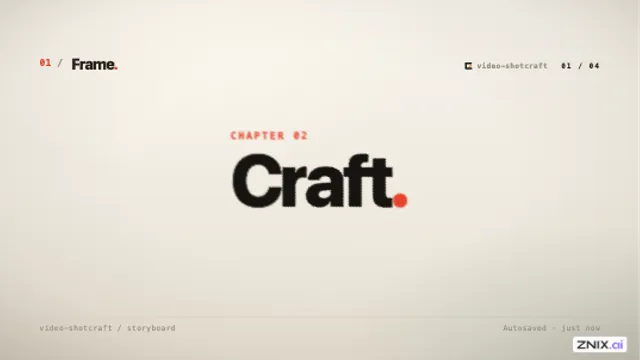
Open a chapter and hand attention from its title to the walkthrough content.
Use This Video Shotcraft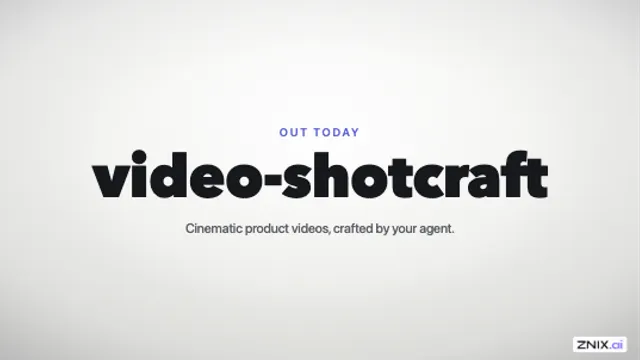
Open a trailer with its strongest moments before introducing the main title.
Use This Video Shotcraft
Change scenes seamlessly or give the new scene a ceremonial opening.
Use This Video Shotcraft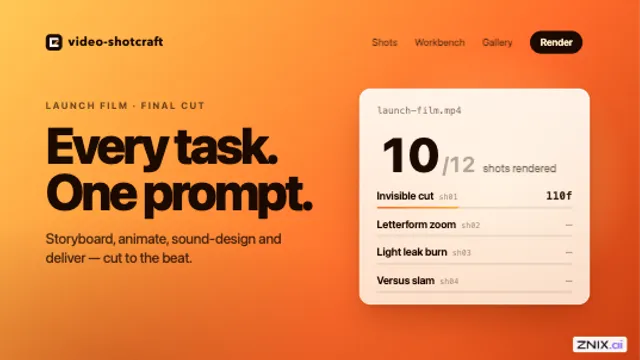
Connect shots when an element in the first can act as a window into the second.
Use This Video Shotcraft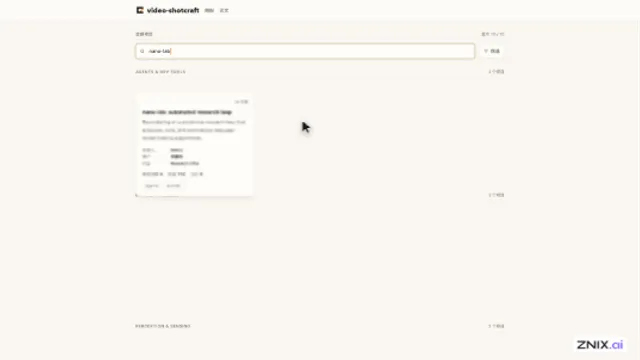
Demonstrate the path from typing a search to finding and opening the result.
Use This Video Shotcraft
Introduce a headline or tagline with a visible sense of construction.
Use This Video Shotcraft
Introduce a large headline or chapter card with a playful physical entrance.
Use This Video Shotcraft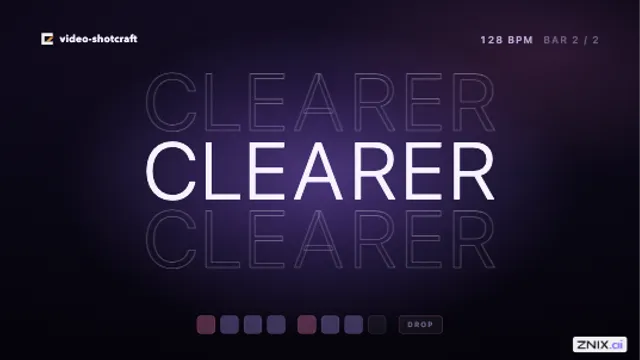
Tie a title or tagline directly to music or spoken words.
Use This Video Shotcraft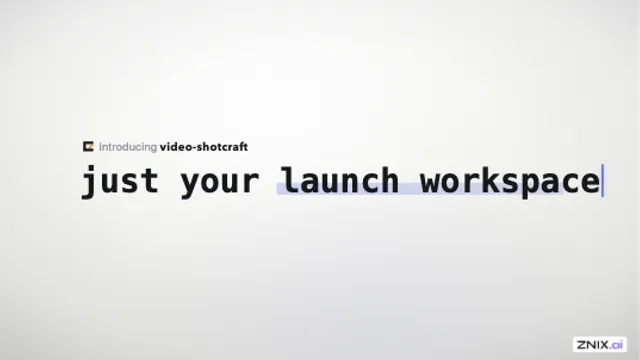
Dramatize a correction or a change of mind in a slogan or benefit statement.
Use This Video Shotcraft
Close a product demo by making the publish or completion moment the focus.
Use This Video Shotcraft
End a video by turning a familiar part of the interface into the brand signature.
Use This Video Shotcraft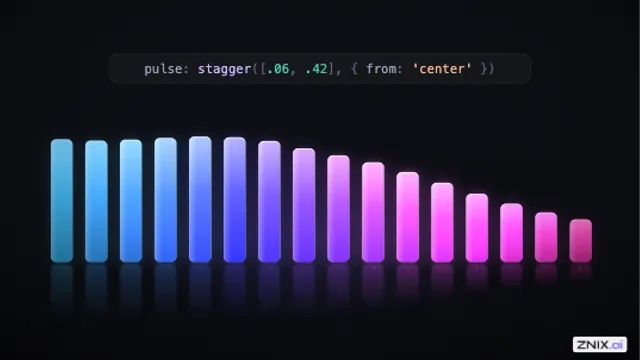
Show parameter-driven motion or introduce a data, spectrum, or equalizer interface.
Use This Video Shotcraft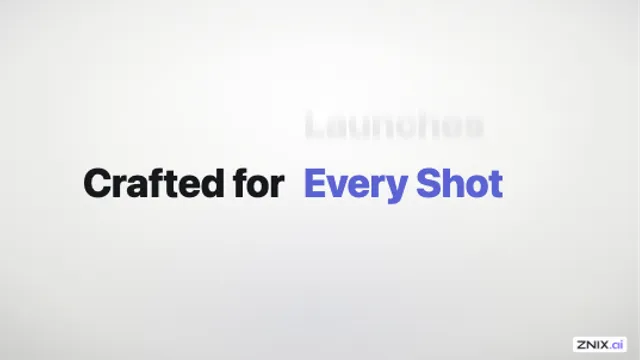
Cycle through audiences or use cases within a fixed phrase such as “Built for …”.
Use This Video Shotcraft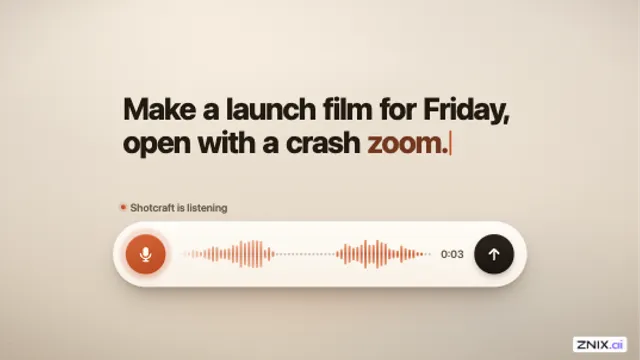
Show an assistant listening or a voice input moving from recording to submission.
Use This Video Shotcraft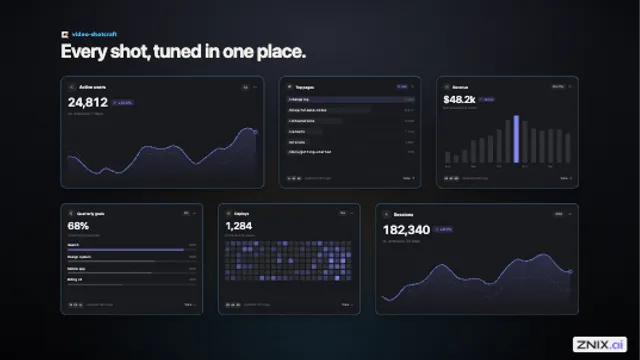
Reveal a feature wall or a full-page layout without moving the items from their final positions.
Use This Video Shotcraft
Move from a stylized logo treatment to a clean brand sign-off.
Use This Video Shotcraft
Change scenes with a geometric wipe that works independently of the subject matter.
Use This Video Shotcraft
Show one product doing several jobs, or walk through a series of portfolio examples.
Use This Video Shotcraft
Present three brand benefits and give each one a distinct visual beat.
Use This Video ShotcraftProduct video FAQ
Pick one feature and one benefit. Lead with a headline about what the viewer can do, show the relevant part of your product, then end with the result. A focused demo works well on a launch page, in release notes, or in a product announcement.
Yes. Upload one screenshot and write an opening headline. Add a second screenshot if you want to show a result, such as a completed dashboard or a before-and-after change. Video Shotcraft animates those images into a 15-second video.
Use sharp PNG, JPG, or WebP images where the feature is easy to spot. Crop away browser chrome or unrelated panels, and remove private customer data before uploading. If you use two screenshots, keep their framing similar so the change is easy to see.
Sign in for one free render across Video Shotcraft. Use it for a Spotlight demo or an individual shot and download a 1080p MP4 with the ZNIX.ai watermark. A card is not required.
A pack includes the number of renders shown on its card and unlocks the listed openings. Each new version uses one render and produces a watermark-free 1080p MP4. Downloading a finished video uses no extra renders. Each pack is a one-time purchase.
Exports are silent 1920 × 1080 MP4s in a 16:9 landscape format. Full product demos run 15 seconds. Individual shots keep the duration shown in their generator.
Yes. Open any of the 124 shot pages, pick an effect variant if offered, and customize the on-screen copy, colors, or screenshots that the shot supports. Each single-shot purchase includes one watermark-free render.