EC・通販
AI product videos turn a single product photo or a short text brief into scroll-stopping ecommerce creatives — macro detail shots, ASMR-style texture clips, and clean demo loops built for product pages, Amazon listings, and paid social. Every example below was generated on ZNIX with the exact prompt and model shown, so you can copy a proven recipe, swap in your own product, and ship a studio-grade product video in minutes instead of booking a shoot.
厳選されたEC・通販の名作
このシナリオで最も「いいね」された作品 —— 研究して、レシピを真似しましょう。

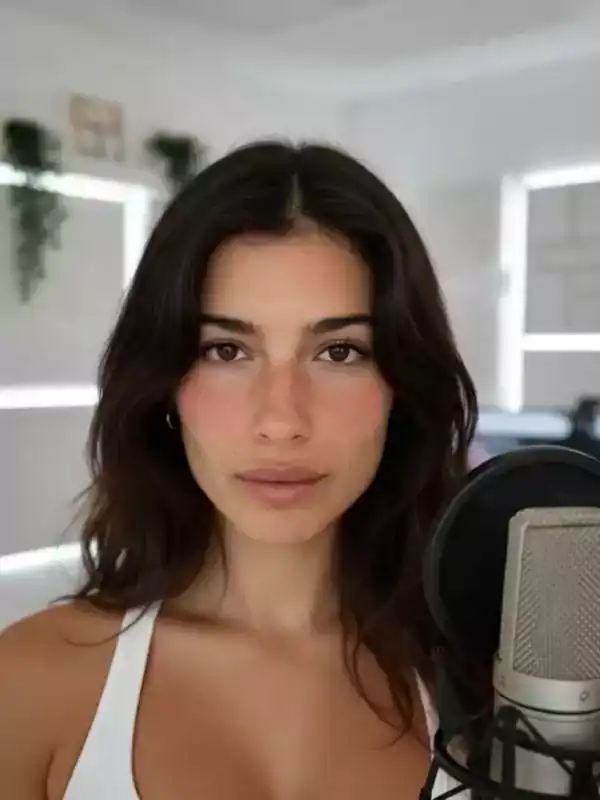



最新のEC・通販動画
カードにホバーするとプロンプトを表示 —「このプロンプトを使う」でリミックス。
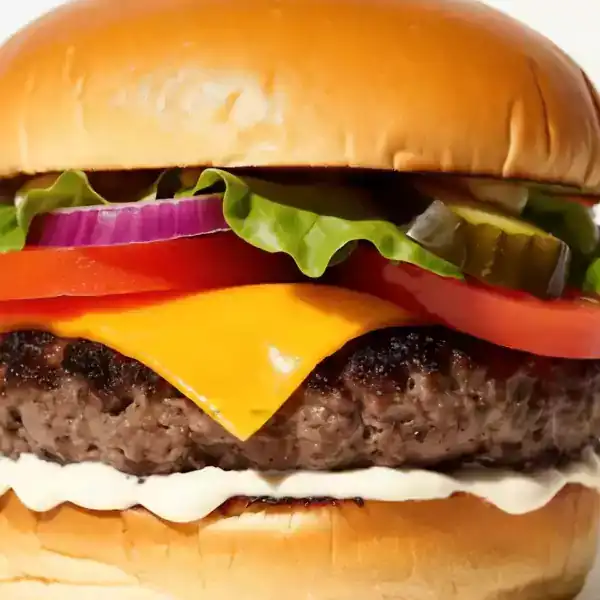
Macroshot Product: Capture stunning macro details of your product
Macroshot Product
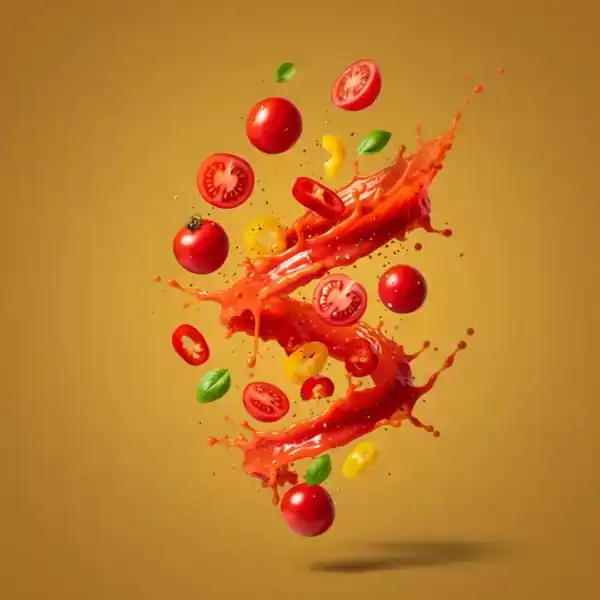
Bullet Time Splash: Explode your product in cinematic bullet time action
Bullet Time Splash

Bullet Time White: Spin around your product on a clean white background
Bullet Time White
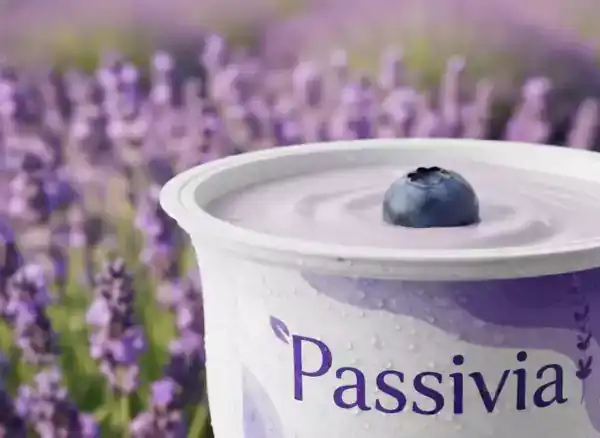
Macro Scene: Showcase product details in an adaptive macro environment
Macro Scene

Bullet Time Scene: Spin around your product with dynamic adaptive backgrounds
Bullet Time Scene
すべて読み込みました
成果につながるEC・通販動画の作り方
上の実例から抽出 —— 手順に沿って、実証済みのプロンプトから始めましょう。
- /01
Start from a product photo or a one-line brief
Upload a clean product shot as the first frame, or describe the item, setting, and mood in one sentence. Mention material and lighting ("matte ceramic, soft morning light") — models render texture far better when you name it.
- /02
Pick a model that matches the shot
Seedance 2.0 handles camera moves around objects best; Hailuo is strong on reflective surfaces and liquids; Wan gives the most stable loops for product-page embeds. The model badge on each card shows what produced it.
- /03
Lock the format to the placement
Use 9:16 for TikTok/Reels ads, 1:1 for marketplace listings, 16:9 for storefront heroes. Keep duration at 5–8s: long enough to show the product turning, short enough to loop seamlessly.
- /04
Remix a proven example
Open any video below, hit "Use this prompt", and only swap the product name and one adjective. Keeping the rest of a working recipe intact is the fastest way to a usable first result.
EC・通販のスタイル一覧
EC・通販 — よくある質問
/01How do I make an AI product video from a photo?
Upload your product photo on ZNIX, add a short motion description (e.g. "slow orbit, soft studio light"), pick a model like Seedance 2.0, and generate. The examples in this category show real photo-to-video results with their exact prompts.
/02Which AI model is best for ecommerce product videos?
For camera-orbit shots Seedance 2.0 is the most reliable; for liquids, glass, and reflective materials Hailuo produces the cleanest highlights; for seamless background loops Wan is the most stable. You can compare all three on the same prompt inside ZNIX.
/03Can I use these videos on Amazon or my Shopify store?
Videos you generate on your own ZNIX account are yours to use commercially, including product pages, marketplace listings, and ads. Community gallery videos belong to their creators — use them as templates by copying the prompt instead of downloading the file.
/04What aspect ratio should a product video ad be?
9:16 vertical for TikTok, Reels, and Shorts placements; 1:1 square for Amazon and most marketplace galleries; 16:9 for website hero sections. ZNIX lets you set the ratio before generating so nothing needs cropping afterward.