Scenario · Examples & Guide

Film

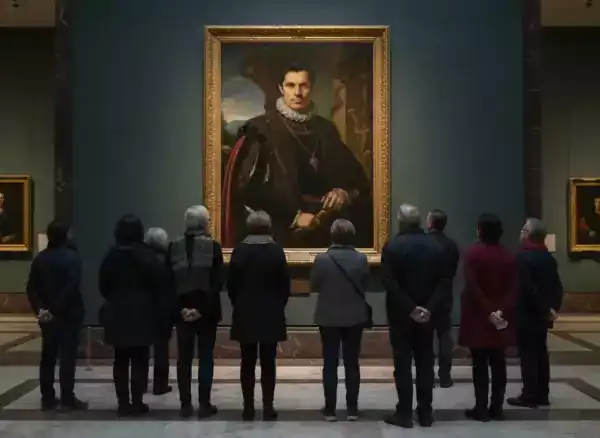
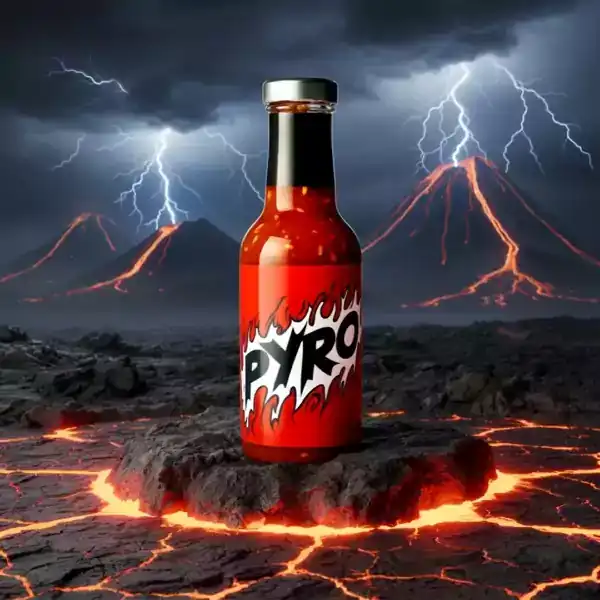
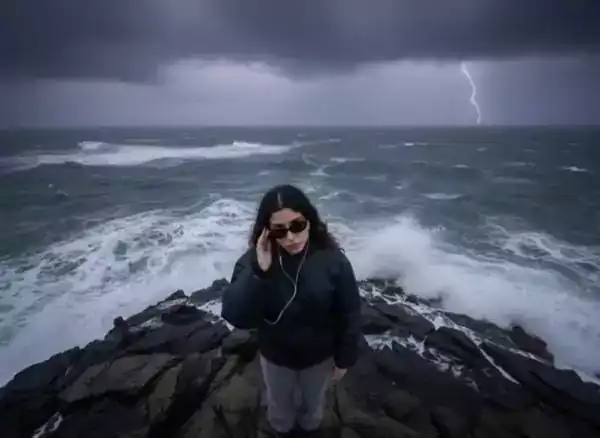
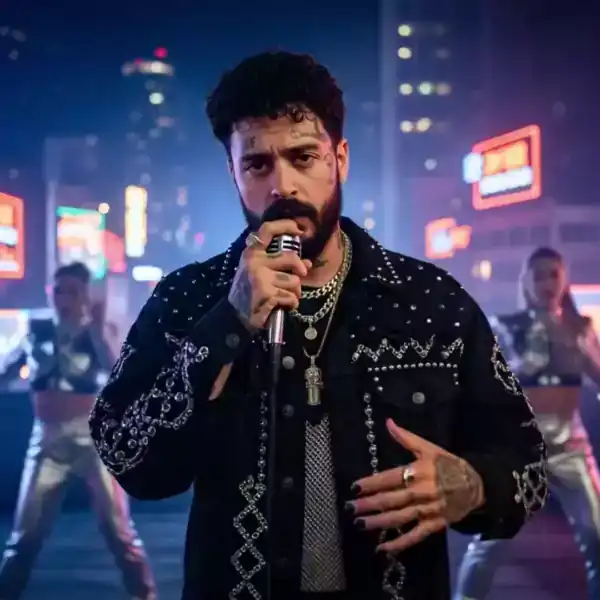
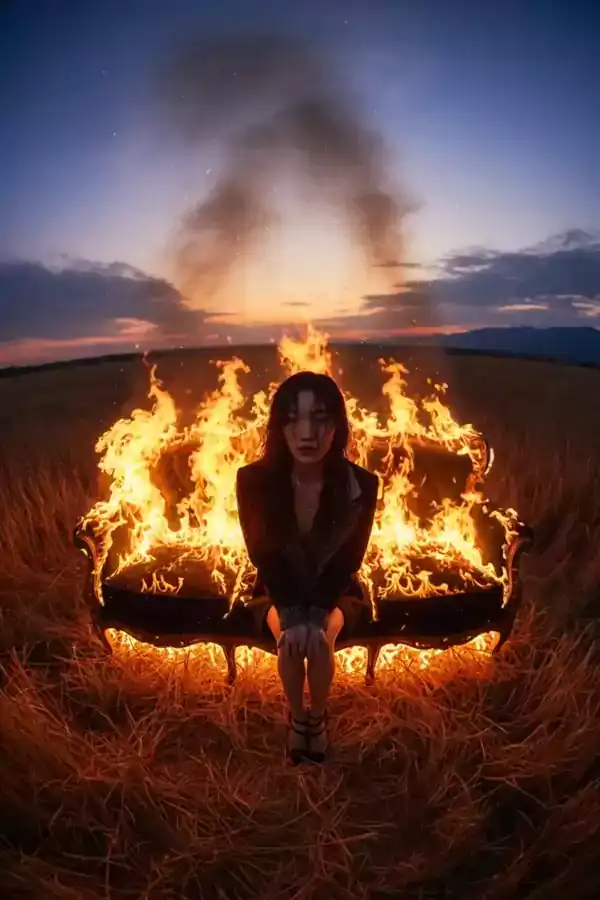
Cinematic AI video covers film-grade shots: atmospheric establishing scenes, action sequences, and visual-effects moments with deliberate lighting and camera language. Creators use this category for short films, trailers, mood boards, and VFX previsualization. Every clip lists the exact prompt and model behind it, so you can study how "anamorphic lens flare, low-angle dolly" translates into an actual render — then reuse the same vocabulary in your own scene.

Make one now
10community worksUpdated 3 months agoEvery prompt free to copy
How to make it

How to make Film videos that work

Distilled from the real examples above — follow the steps, then start from a proven prompt.

  1. /01

    Direct the camera in words

    Film models respond to cinematography vocabulary: "low-angle dolly-in", "slow aerial pull-back", "handheld tracking shot". Name one camera move per prompt — stacking several usually produces a confused shot.

  2. /02

    Set the light before the action

    "Golden-hour backlight through dust" or "cold blue practicals in a dark alley" does more for a cinematic look than any subject description. Lighting phrases are the strongest lever you have.

  3. /03

    Choose 16:9 or 21:9 and slow down

    Widescreen ratios plus 8–10s duration read as filmic instantly. Fast cuts come later in your editor — let each generated shot be one sustained, confident take.

  4. /04

    Chain shots into a sequence

    Generate establishing → medium → close-up as separate clips with matching lighting keywords, then cut them together. The storyboard tool on ZNIX keeps character and style consistent across the sequence.

FAQ

Film — questions, answered

/01

Can AI generate cinematic film-quality video?

Yes — current models render deliberate camera moves, motivated lighting, and shallow depth of field convincingly, as the examples in this category show. The main skill is prompt vocabulary: cinematography terms (dolly, anamorphic, golden hour) map directly to visible results.

/02

What prompts make AI video look more cinematic?

Three ingredients: one specific camera move ("slow dolly-in"), a named lighting setup ("volumetric morning fog, rim light"), and a widescreen ratio (16:9 or 21:9). The clips below all follow this pattern — open any of them to see the exact wording.

/03

How do I keep a character consistent across multiple shots?

Use the storyboard feature on ZNIX: define the character and setting once, then generate shot-by-shot variations that share the same reference. Matching your lighting keywords across prompts also helps continuity.

/04

What are AI cinematic videos used for?

Short films, trailers, concept previsualization for real shoots, music videos, and mood films for pitches. Many creators also cut cinematic AI shots into social edits where one striking visual carries the whole post.

Make your first Film video

Free credits on signup — pick any prompt from this page and render your version in about a minute.